BTEC Tech Award DIT (2022) Keyword Activities
Comprehensive photocopiable activity packs to help students enjoy learning the essential terms for the course.
Flexible resources with a consistent approach
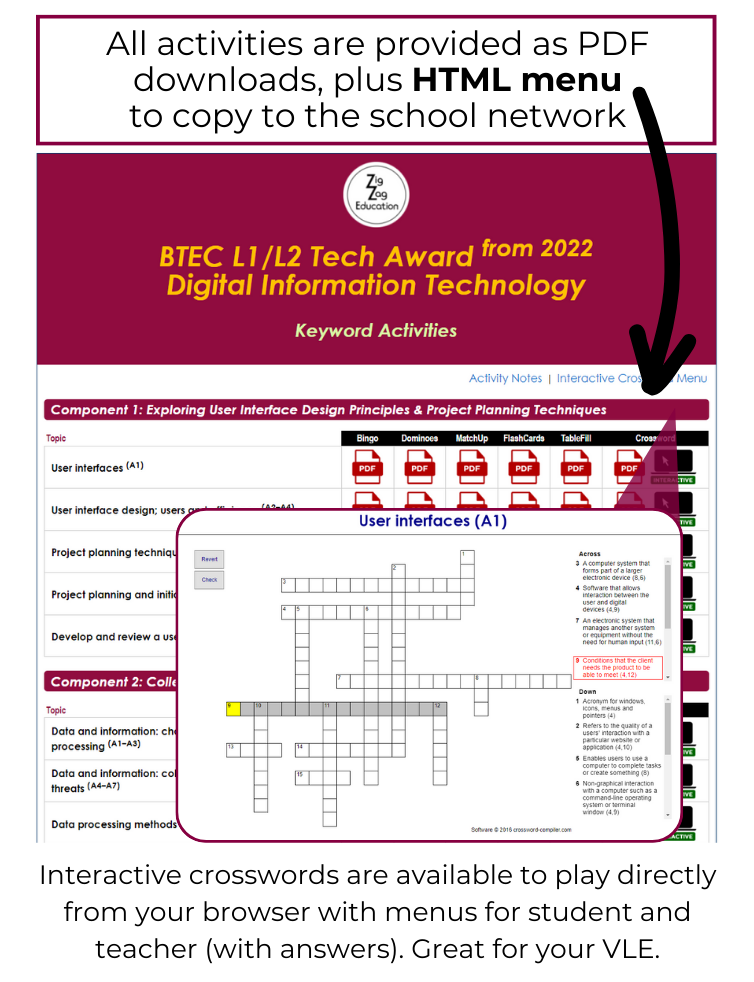
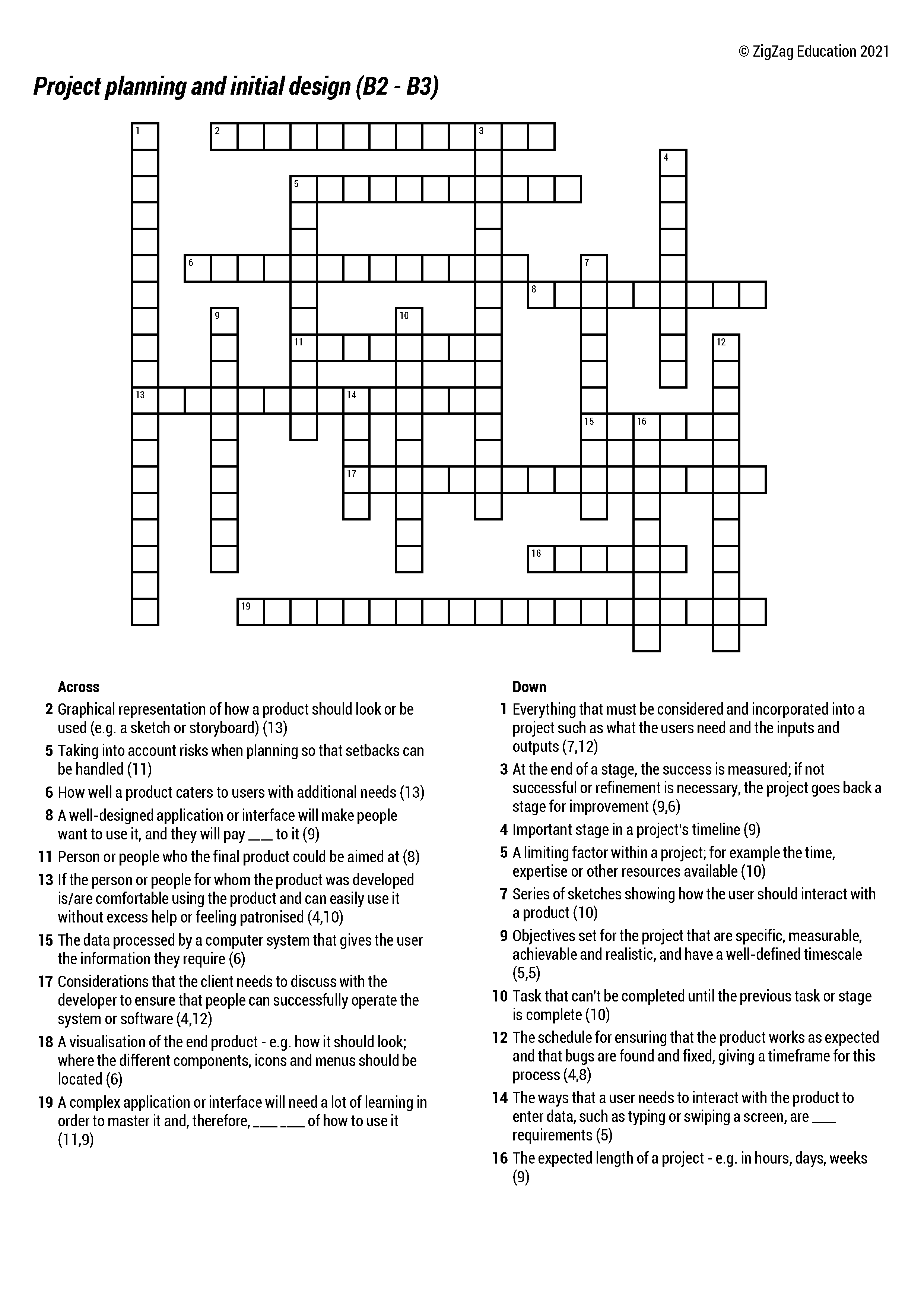
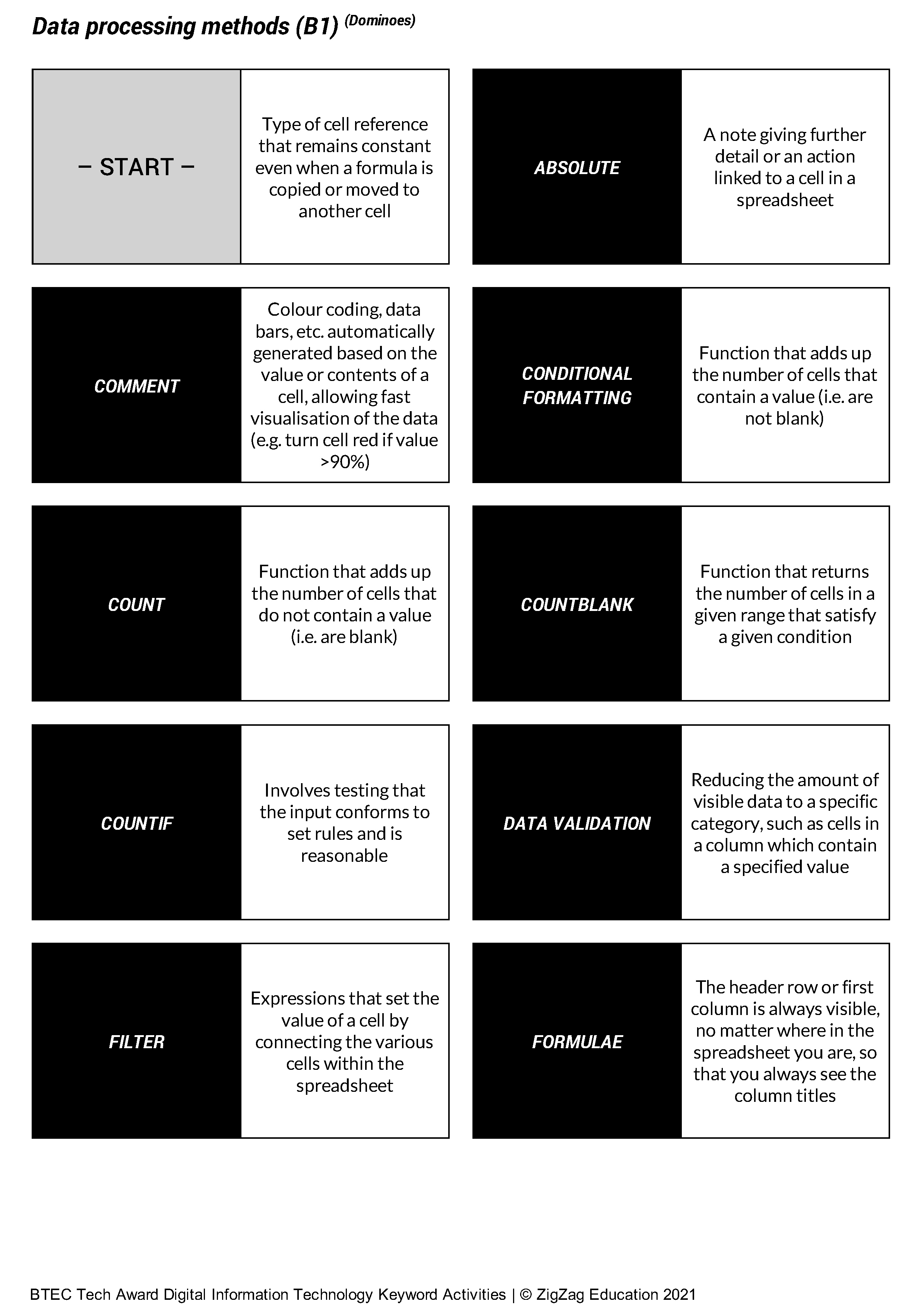
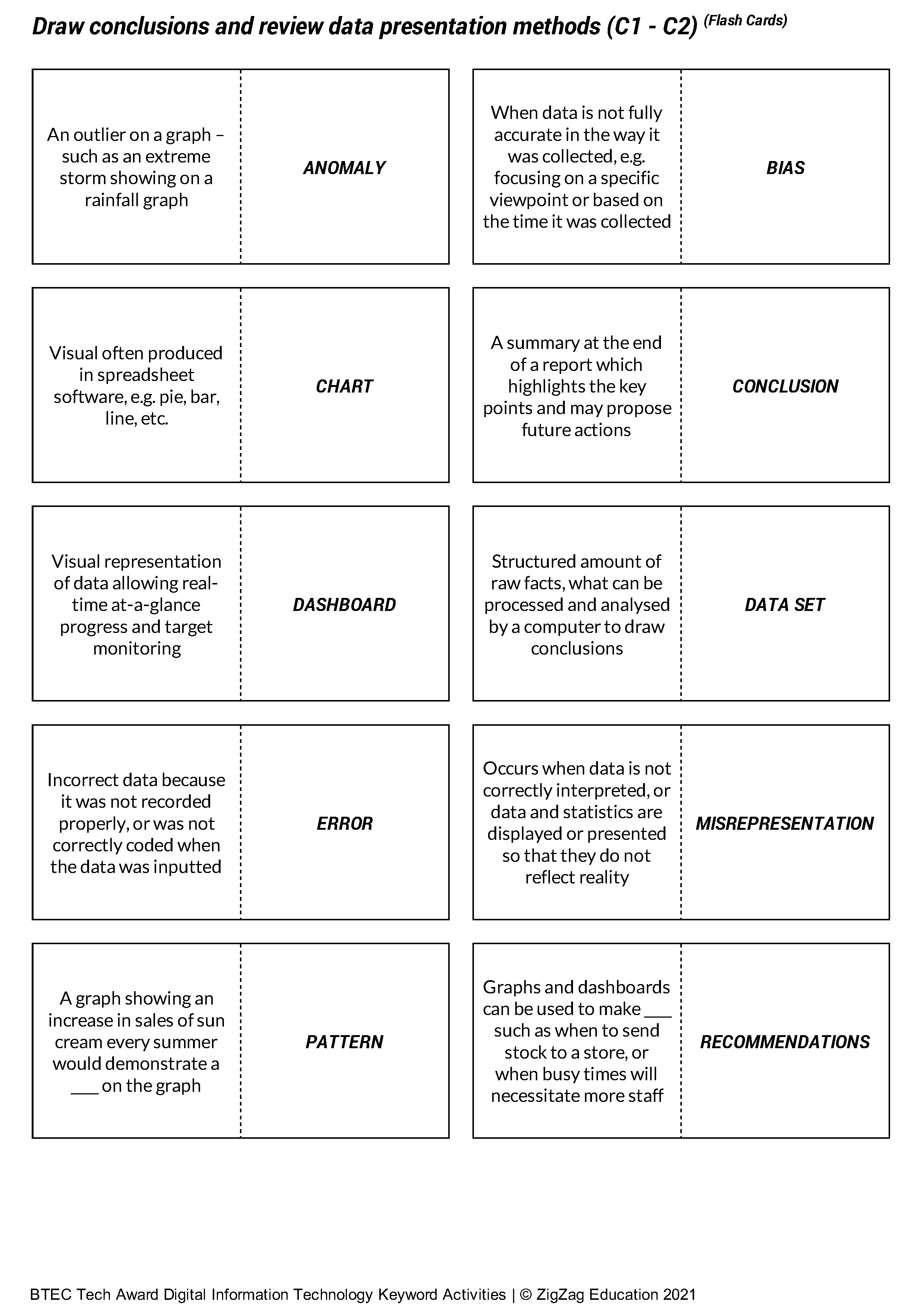
Glossary builders, dominoes, and crosswords (including interactive versions) are among 7 engaging activities making learning and using key terms fun!
- Student-friendly definitions make complex terms accessible to all
- Comprehensive solutions for easy marking
- Games as starters/plenaries
- Flash cards for revision
- Crosswords for homework
- Glossary builders great for individual or pair work
|
|
For an overview of 'Activity Types' and additional samples, click on the Preview button. To see the HTML menu, click on the image above.
Share with others:


What do teachers say about this resource? (11466)
the resource is excellently made. I thought the HTML site menu was good and enjoyed playing with the interactive crosswords. I would consider the resource to be very comprehensive even if these weren’t included, so to have these as an option to give to students is welcomed ... I think it is a well researched, comprehensive collection of keywords taken directly from the specification that have been distributed amongst a variety of activities that can be used in the classroom to enhance learning and student progress. The author should be commended for their attention to detail ... I really like how the author has spent their time collating a core set of key terms and definitions and then using these to develop a wide range of activities. The quality comes from the sheer variety and well constructed definitions. The activities are consistently familiar and reliable throughout all topics, so if used from the start of the course the teacher can issue worksheets to the class knowing exactly what they’ll get. The core knowledge base does not change and the definitions do not differ – the resource simply allows learners to engage with relevant vocabulary in a variety of ways ... I think the wide range is excellent as the activities lend themselves to a variety of teaching styles ... All educators that deliver this course can certainly find a way to embed these resources in their lessons or in their students’ revision. While reviewing the resource I have certainly been thinking of ways I could embed these with my Year 10s as we start Component 3. If teachers put the work in and introduce the terminology using these definitions in the classroom, it would permit students to then complete the worksheets independently, in the classroom and for revision ... Mark schemes are often reliant on students using the correct terminology to describe something, and being able to get student to accurately recall the correct words can feel challenging. It allows students to learn and revise key terminology and could be employed by teachers in a variety of ways ... Much of the vocabulary selected is Tier 3 – domain/subject-specific. As these are words unlikely to be encountered outside of the subject (within their specific context), it is crucial that students are taught how to use these words and practice using them. By using these activities, pupils can practice speaking the words, are exposed to definitions and many require students to spell the word as well – all valuable skills in learning and revising vocabulary ... Teachers could use these as silent retrieval starters, revision activities and homework after a topic has been taught. I would encourage teachers to take care that they ensure they cover all of the terminology within the resources for maximum impact ... the layout is well developed with an easy to navigate website to enable easy access of the resources ... Presentation is good and consistent, which I think would support teachers in embedding or relying on this resource in their classroom ... the resource matches the specification very well. I cross checked each sheet against the relevant point in the specification and could see all of the chosen keywords mentioned in the specification, demonstrating great attention to detail and relevance to course material ... Teaching Component 3 will be a very tight turnaround for my department and I am excited to use these resources in the classroom and as homework to help students with retrieval, learning and revision ... an excellent resource
a highly effective and engaging tool for teaching the BTEC Level 2 Digital IT course. It provides a diverse range of activities, such as Bingo, Dominos, MatchUp, Flashcards, Table Fill, and Crosswords, all tailored to the specific topics within Component 1, Component 2, and Component 3. These activities offer an interactive and fun approach to reinforcing key concepts, which can significantly enhance student engagement and retention of information ... I particularly liked the variety of activities available, as they allow for a range of learning styles to be addressed. The interactive nature of these activities makes them perfect for revision and reinforcing key terminology. The option to create your own glossary and the inclusion of a blank Dominos template add flexibility, enabling teachers to tailor activities to their specific teaching needs ... This resource enhances learning by providing students with interactive and enjoyable ways to engage with key terminology and concepts across different topics ... The presentation and layout of the resource are clear and well-structured. Each activity is easy to understand and can be quickly implemented in the classroom. The inclusion of a blank Dominos template and the ability to write your own glossary adds a level of customisation that makes this resource versatile. The solutions provided ensure that teachers can easily check student progress and offer feedback. The layout is straightforward, allowing teachers to navigate the resource and select appropriate activities for their lessons with ease ... The activities are designed to focus on specific topics, such as user interface design principles, project planning techniques, data collection and presentation, and effective digital working practices. These targeted activities ensure that students can engage with the content in a focused and meaningful way, helping them prepare for assessments and exams ... excellent ... I would absolutely purchase this resource for my teaching ... It offers an engaging and interactive way to reinforce key terminology and concepts
... an outstanding tool for teaching the BTEC Level 2 Digital IT course. It offers a wide range of activities that not only make learning more fun and interactive but also ensure students are actively engaging with the course material. The ability to customise activities and the inclusion of solutions add significant value for both teachers and students. It’s a wonderful resource that can make a real difference in the classroom.